

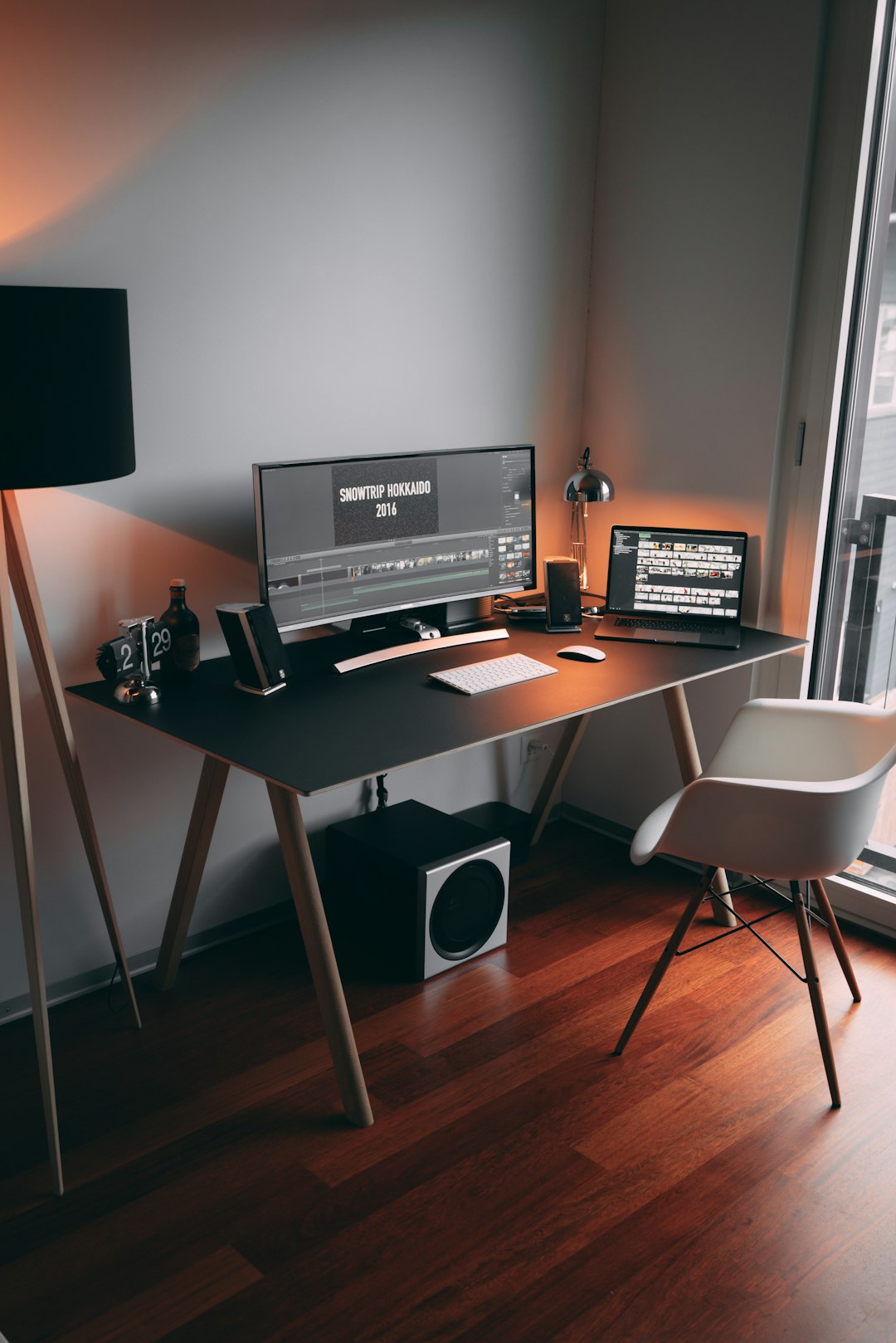
Architecting the High-Performance Developer Workspace
A professional home office for a software developer is more than just a desk and a chair; it is an integrated environment designed to minimize cognitive load and maximize deep work. When writing code, the ability to maintain a flow state is paramount. A poorly optimized workspace introduces physical friction—such as neck strain, eye fatigue, or digital clutter—that directly degrades the quality of output. Building an environment that supports long-term productivity requires a rigorous focus on ergonomics, hardware reliability, and sensory environmental control.
The Foundation of Ergonomic Precision
The physical interface between the developer and the computer is the most critical factor in preventing repetitive strain injuries (RSI) and chronic fatigue. Ergonomics is not merely about comfort; it is about maintaining neutral body positioning to ensure sustained blood flow and nerve health.
- Desk Height and Posture: A height-adjustable desk allows for alternating between sitting and standing, which is essential for circulation. The top of the monitor should be at or slightly below eye level, ensuring the neck remains in a neutral position.
- Chair Selection: A high-quality task chair should provide robust lumbar support, adjustable armrests, and seat depth customization. The goal is to support the natural S-curve of the spine.
- Peripheral Placement: Keyboards and mice should be positioned so that elbows remain at a 90-to-100-degree angle. Split keyboards or vertical mice are often recommended to reduce forearm pronation and wrist tension.
Display Real Estate and Visual Clarity
Developers often deal with complex architectures that require viewing multiple files, documentation, and terminal outputs simultaneously. The display setup dictates the efficiency of context switching.
- Resolution vs. Refresh Rate: While 4K resolution provides the crisp text clarity necessary for reading code for extended periods, a high refresh rate (120Hz or higher) reduces motion blur during scrolling and window management, which has been shown to decrease visual fatigue.
- Monitor Configuration: A single ultrawide monitor minimizes bezel gaps and provides a seamless canvas for IDE layouts. Alternatively, a dual-monitor setup allows for strict physical separation between the primary development environment and secondary tasks like communication or documentation.
- Lighting and Glare: Bias lighting—placing a soft light source behind the monitor—reduces the contrast ratio between the screen and the wall, significantly lowering eye strain. Avoid direct overhead lighting that causes glare on matte or glossy screens.
Hardware Comparison for Development Workflows
Choosing the right equipment depends heavily on the specific domain of software engineering, such as mobile development, data science, or backend infrastructure.
| Component | Priority for Backend Devs | Priority for Frontend Devs | Key Considerations |
|---|---|---|---|
| CPU/RAM | High (Compiling/Containers) | Moderate (Browser/IDE) | Minimum 32GB RAM recommended |
| Monitor | Vertical orientation support | High color accuracy (DCI-P3) | IPS panels offer better viewing angles |
| Keyboard | Mechanical switches (Tactile) | Low profile/Silent | Customizability via QMK/VIA firmware |
| Connectivity | Ethernet (Stability) | High-speed Thunderbolt/USB4 | Avoid latency-prone wireless peripherals |
Optimizing the Digital Environment for Focus
A clean physical space is ineffective if the digital environment is disorganized. The cognitive cost of navigating through cluttered desktops or excessive background processes is significant.
- Cable Management: Visual noise contributes to mental clutter. Utilizing cable trays, sleeves, and under-desk mounting brackets keeps the workspace tidy and reduces the physical obstruction of wires.
- Network Reliability: For developers, the internet is a primary tool. Relying on Wi-Fi can introduce latency and packet loss. A direct Ethernet connection remains the standard for reliability, especially when managing large repositories or deploying to cloud environments.
- Audio Environments: Noise-canceling headphones are essential tools for auditory isolation. Whether using open-back headphones for natural soundstage or active noise-canceling models to eliminate ambient background noise, controlling the auditory input is a key component of deep work.
Climate and Air Quality as Performance Metrics
Environmental factors like temperature, humidity, and CO2 levels directly impact cognitive function and decision-making capabilities.
Maintaining an optimal temperature (typically between 20°C and 23°C) ensures that the body does not expend unnecessary energy on thermoregulation. High levels of CO2, often found in small, poorly ventilated home offices, are linked to reduced concentration and increased errors. Using an air purifier with a HEPA filter and ensuring adequate ventilation can improve air quality, thereby sustaining mental clarity throughout long coding sessions.
Essential Strategies for Workspace Maintenance
To ensure the home office remains a high-performance environment, implement a routine for both digital and physical maintenance:
- Weekly Deep Clean: Remove dust from peripherals and screens. Dust buildup can affect mechanical switches and thermal performance of hardware.
- Cable Audit: Periodically check connections. Loose cables can cause intermittent issues that are difficult to diagnose during high-pressure debugging sessions.
- Firmware Updates: Maintain a schedule for checking peripheral firmware. Many modern mechanical keyboards and high-end mice receive updates that improve latency and power management.
- Ergonomic Reset: Every few months, re-evaluate desk and chair heights. Over time, chairs may sink, or posture may drift, requiring recalibration to maintain optimal alignment.
Addressing Common Questions
How much space is actually required for a professional setup?
A minimum depth of 75cm to 80cm for a desk is ideal to provide enough distance between the eyes and the monitor. The width should accommodate the primary display and any secondary peripherals without crowding.
Is a sit-stand desk necessary for a developer?
While not strictly required, a sit-stand desk provides significant health benefits by encouraging movement. The key is consistent transition between positions rather than remaining in one position for the entire day.
What is the impact of mechanical keyboards on productivity?
Mechanical keyboards offer tactile and auditory feedback that can improve typing accuracy and reduce the force required to actuate keys. This can lead to faster coding speeds and reduced finger fatigue over long durations.
How do I manage heat generated by powerful workstations?
High-performance workstations generate significant heat. Ensure the computer is placed in an area with adequate airflow. Avoid enclosing the PC in a cabinet, as this traps heat and can cause thermal throttling, which slows down compilation and build times.
Sustaining Long-Term Productivity
The home office is a dynamic system that requires regular refinement. As software development practices evolve, the tools and the environment must adapt accordingly. By prioritizing ergonomics, visual clarity, and environmental control, a developer creates a workspace that serves as a force multiplier for productivity. The goal is to remove every possible barrier between the intention to solve a problem and the execution of the code. When the environment is optimized, the focus shifts entirely to the logic, the architecture, and the outcome, allowing for a more sustainable and rewarding professional practice. Investing time in the setup is not an act of procrastination; it is a foundational step toward long-term career efficiency.
Featured Image Credit: Generated/Sourced via Unsplash.
Disclaimer: This article is AI-generated for informational and educational purposes. While we strive to provide high-quality context and authority, the content should not be used as professional advice. The author/website assumes no liability for external links or factual omissions.
